


How to Log In to Your BC Poker Account
Account entry follows a short sequence. You can start from the main website or open the BC Poker mobile platform on an Android device, then use the credentials connected to your profile. Follow these steps.
- Open the sign-in form: launch the website in a supported browser or open the application on your device.
- Enter your details: provide the email address, phone number, or connected account selected during registration.
- Continue to the lobby: confirm the form and wait for the poker lobby to load under your saved profile.
Saved credentials can reduce the process to a few seconds on a personal device. Check that the correct account identifier is displayed and avoid storing credentials on shared hardware. The lobby then presents the available cash games, scheduled events, and account controls linked to that profile.
Logging In via Email, Phone or Social Accounts
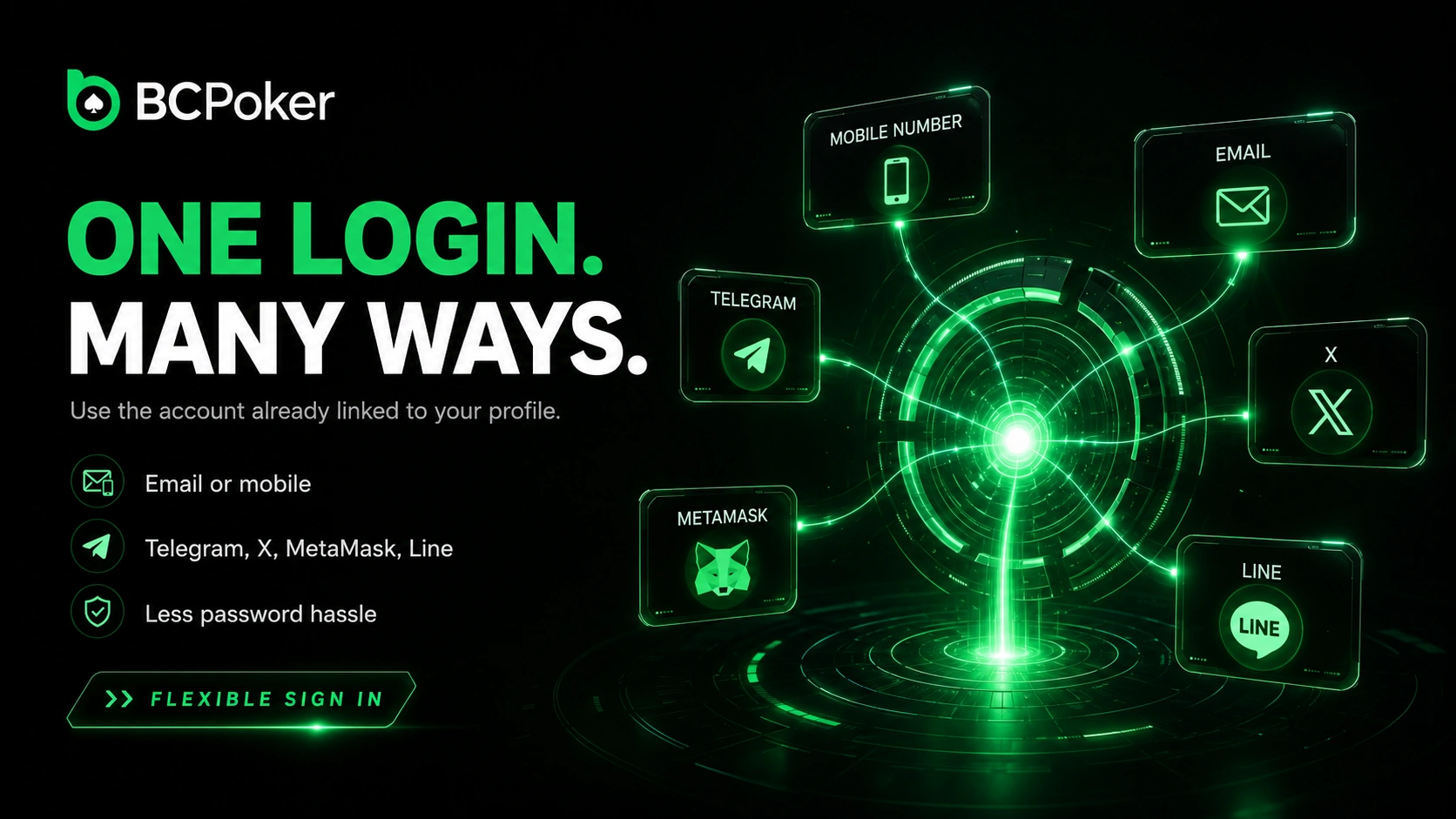
BCPoker login supports several account identifiers, so you can choose the method already connected to your profile. Standard options include an email address or mobile number, while linked services may include Telegram, X, MetaMask, and Line. A social account can remove the need to remember a separate password for the poker profile.
Use the same method chosen during registration unless another option was linked later in the account settings. Switching between unrelated identifiers may open a different registration flow rather than the existing profile. When a connected service requests approval, verify the account name before authorising the session.
BCPoker Login on Mobile App and Browser
BCPoker login works through the mobile application and the browser version, giving you two ways to reach the same player profile. Android and iOS users can sign in through the installed app, while desktop and mobile browsers provide access without a separate computer client. The interface adapts to the device while the account remains unchanged.
Balance records, transaction history, VIP progress, and profile settings synchronise automatically after authentication. A session can be continued from another device after a fresh sign-in. For privacy, close the active session before moving from a public or shared device.
What to Do If You Forgot Your Password
A forgotten password does not require a second registration. Open the recovery option on the sign-in form and choose the email address or phone number already attached to the profile. The next recovery instruction arrives through that verified contact channel.
Create a replacement password that is not used for another service, then return to the standard entry form. If the recovery message does not appear, check filtered mail folders, confirm the phone can receive messages, and request the instruction again only after a short pause. Support may request account details when the registered contact method is unavailable.

The last one was received 3 minutes ago
Troubleshooting Common Login Issues
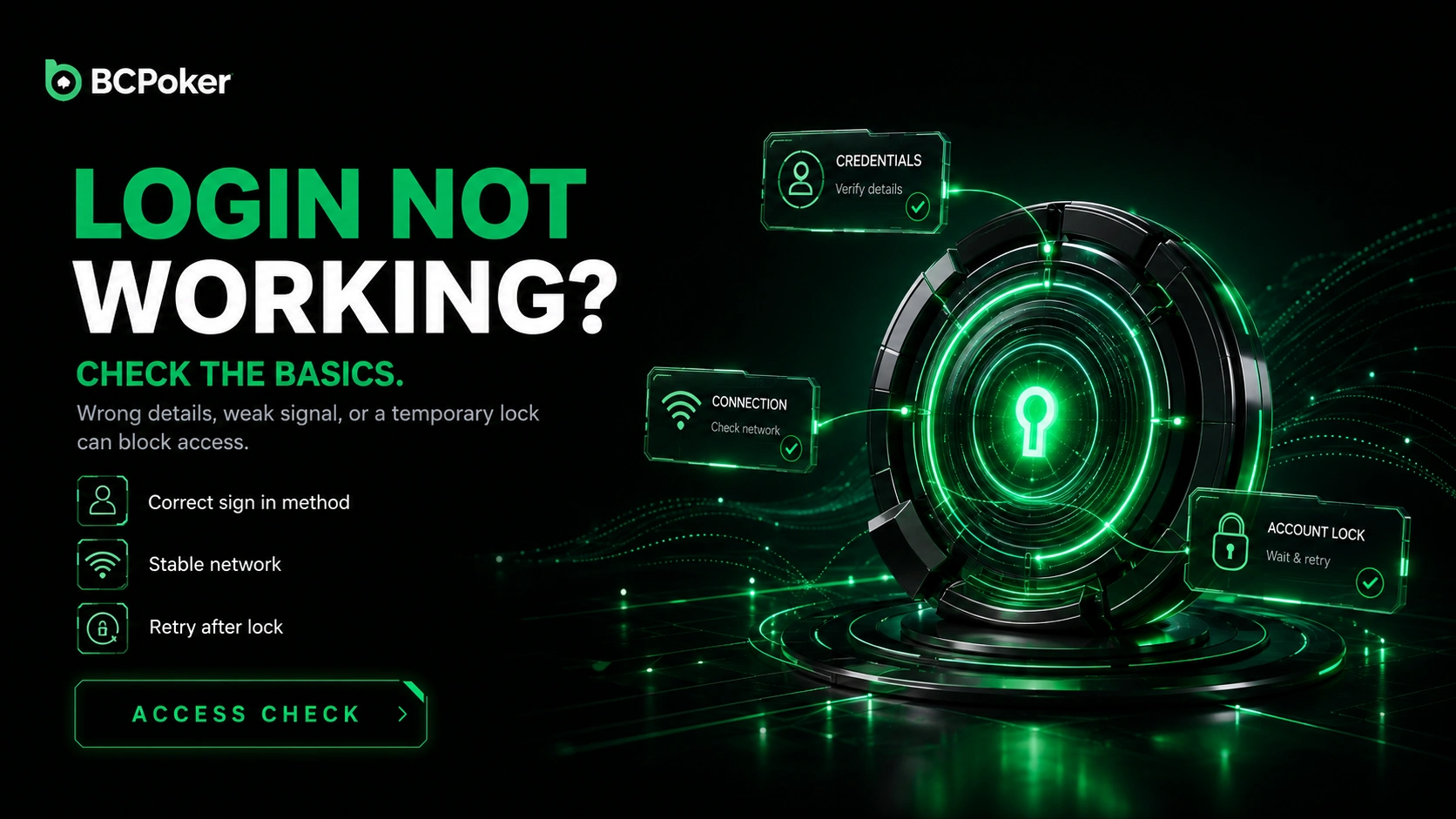
BCPoker login can fail when credentials are entered incorrectly, the connection is unstable, or repeated attempts trigger a temporary account lock. Start by checking spelling, letter case, saved autofill data, and the selected sign-in method. A browser refresh or stable network can resolve a stalled form without changing account information.
Do not keep submitting the same details after several failed attempts because the protection system may continue blocking access. Clear outdated browser data or update the application when the form does not load correctly. If the issue remains, contact live chat, email support, or Telegram support and describe the displayed error.
Account Security During and After Login
BC Poker login is protected by alerts for access from a new device or location, account lock controls, and monitoring of suspicious activity. Review new-device notifications and change your password promptly when the session was not yours. Enabling Google Authenticator adds a second verification step beyond the main credential.
Keep recovery contacts current so security messages reach you without delay. Remote desktop tools, virtual machines, emulators, external HUDs, and real-time assistance software are blocked by the BC Shield system. After finishing, sign out on shared equipment and never approve an authentication request that you did not initiate.